
1. Start with your shop’s workflow
Write down what happens from opening the shop to closing the day. Include finding products, taking payments, printing receipts, handling returns, recording purchases and reviewing stock. If staff hold sales, sell on credit or work across branches, add those steps too.
Turn that list into a trial plan. A product demonstration may show a smooth checkout, but your decision should also cover the less frequent tasks: correcting a mistake, processing a return and finding the report you need afterwards. Keep the same checklist when evaluating different providers.
2. Count products, people and branches
Ask whether a product limit counts active product records or units of stock. Check whether the owner counts as a user and how many staff can use the system under the published plan. For more than one location, confirm that the plan includes the number of branches you need.
Aroha’s paid plans include 200, 1,500 or 10,000 active products for Starter, Professional and Enterprise respectively. Their user limits are one, three and ten; branch limits are one, one and three. Product allowances count active products rather than stock units. Compare these limits with your catalogue before choosing.
3. Separate software costs from the counter setup
Check the billing currency, monthly amount and whether the subscription is per company, user or branch. Also ask whether the quoted price includes any printer, scanner, computer, setup help or other services you expect. Avoid comparing a software-only subscription directly with a hardware package.
Aroha’s published software plans are USD 5, USD 11 and USD 20 per company per month after the trial. These are USD prices, not fixed LKR prices; any conversion depends on your payment provider. The website does not list a hardware bundle. Review the plan comparison for the current included features and capacity.
4. Test the hardware and connection you will use
Use your actual barcode scanner, receipt printer and computer during the evaluation. Try the browser and paper size you expect to use at the counter. If you want to work from a phone or tablet, repeat the important tasks there rather than assuming the desktop experience will be identical.
Aroha has browser-based, mobile-friendly checkout, inventory and reporting layouts. Test your internet connection and ask about your requirements if continuity during an outage matters to your shop. This guide does not promise offline operation or compatibility with every printer.
5. Check stock and reporting after a transaction
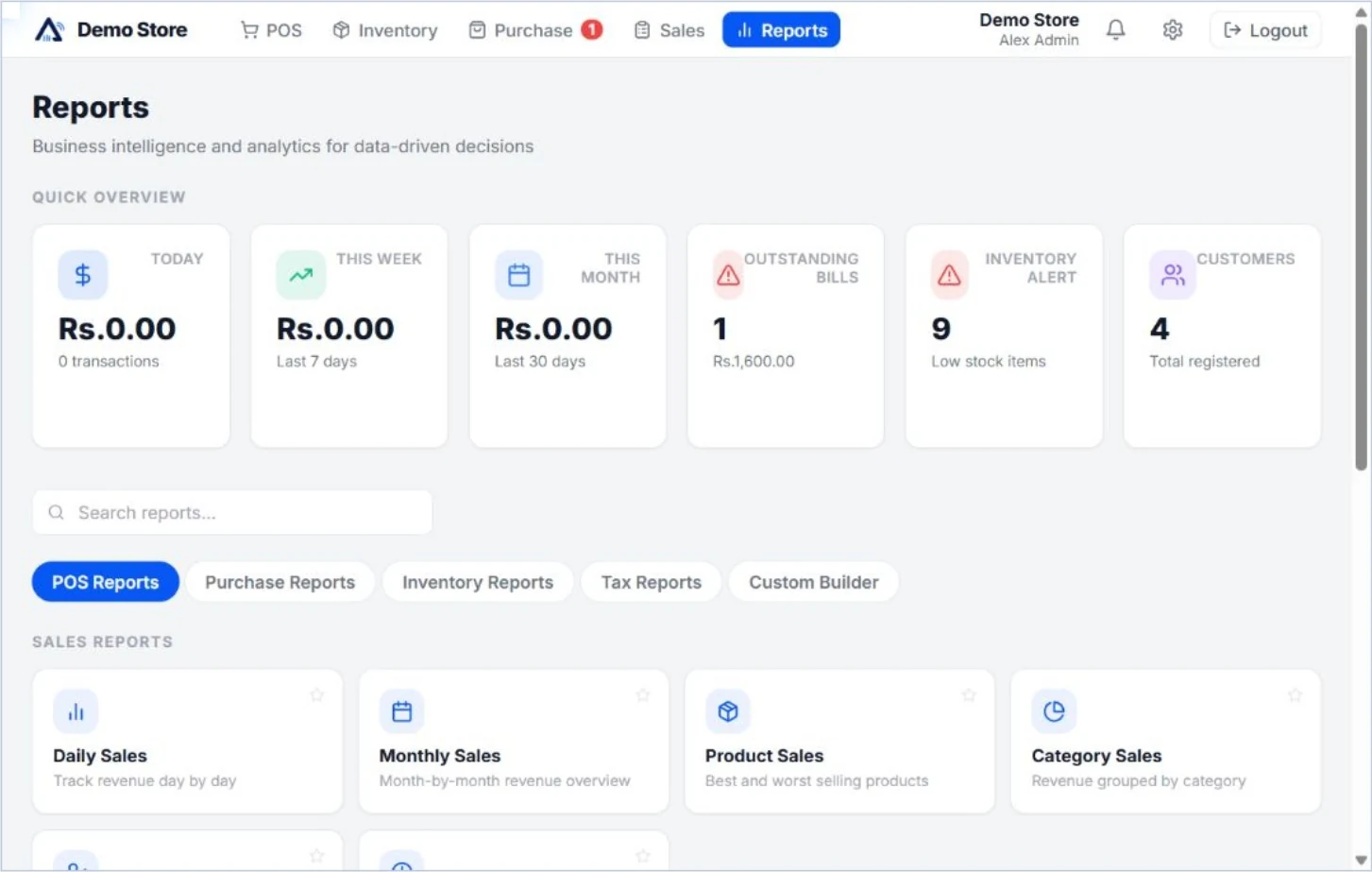
After a test sale, check the product quantity, receipt and sales report. Then process a return and review the records again. Import a small product sample if CSV import matters to you. If you need supplier payments, stock counts, customer credit or branch transfers, test those specific tasks.
Feature availability varies by plan. In Aroha, VAT configuration, hold sales, shifts and stock counts begin with Professional. Branch transfers, split checkout payments, exchanges and custom roles are included in Enterprise. Use the inventory feature guide and plan table to build your shortlist.
6. Understand the trial and your data options
Ask what the trial includes, how long it lasts and what happens afterwards. Confirm that you can export the business records you need and learn how to retrieve them. Before moving your shop, keep a copy of your existing catalogue and opening stock records.
Aroha offers a 60-day free trial without a payment card. Published trial capacity is three users, 300 products and two branches with supported Enterprise features. If the trial expires without renewal, business access pauses; an administrator can sign in to billing. The pricing page explains trial expiry, cancellation and moving to a smaller plan.
A short trial checklist
- Add a small set of real products and verify their prices and opening stock.
- Complete a test sale, print the receipt and review the report.
- Process a return and confirm the updated records.
- Test the advanced tasks you need in the relevant plan.
- Check your scanner, printer, phone and normal internet connection.
- Review export options, plan limits and the cost after the trial.
Need help assessing fit? Tell Aroha your business type, product count, staff count, branches and equipment. Email [email protected] or contact the team on WhatsApp using the link on this page.